GL Series Gimbal Motors
The GL series are gimbal motors developed for camera and sensor stabilization systems. In the GL II models, the second generation of the series, cogging torque was reduced even further, which means less shake in the footage.
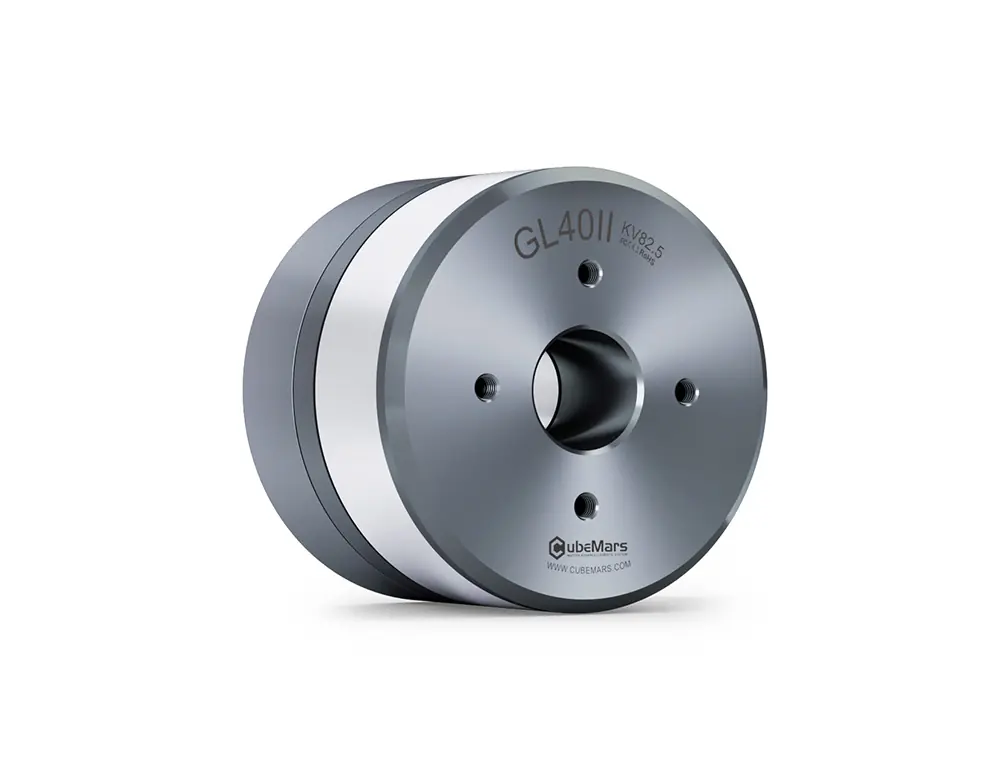
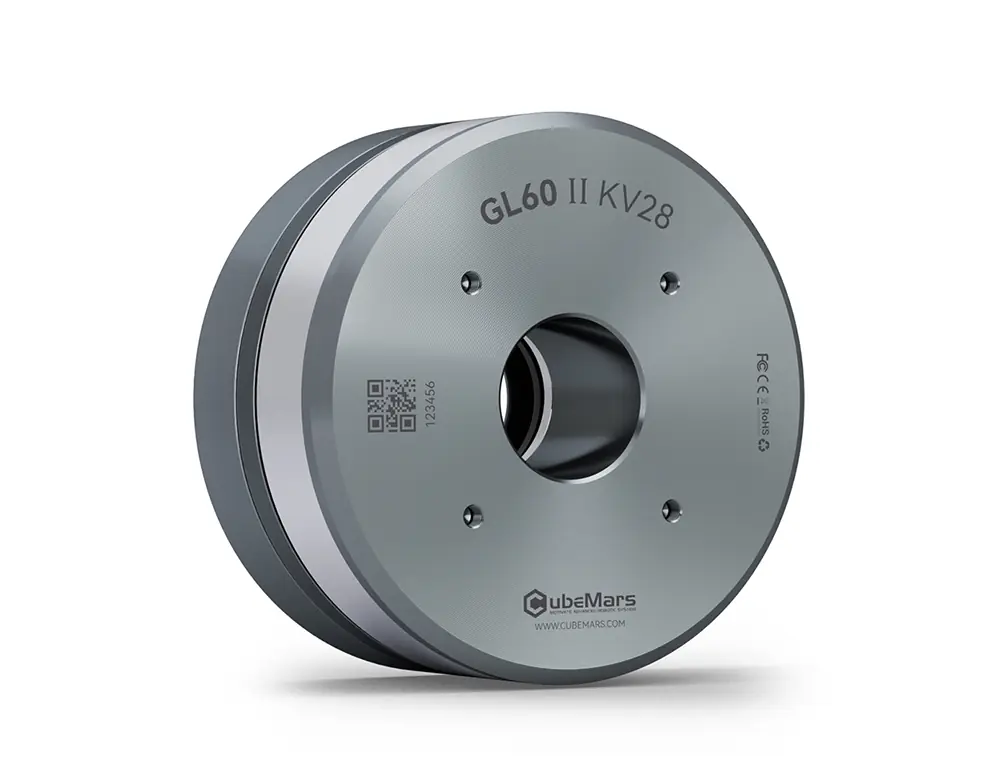
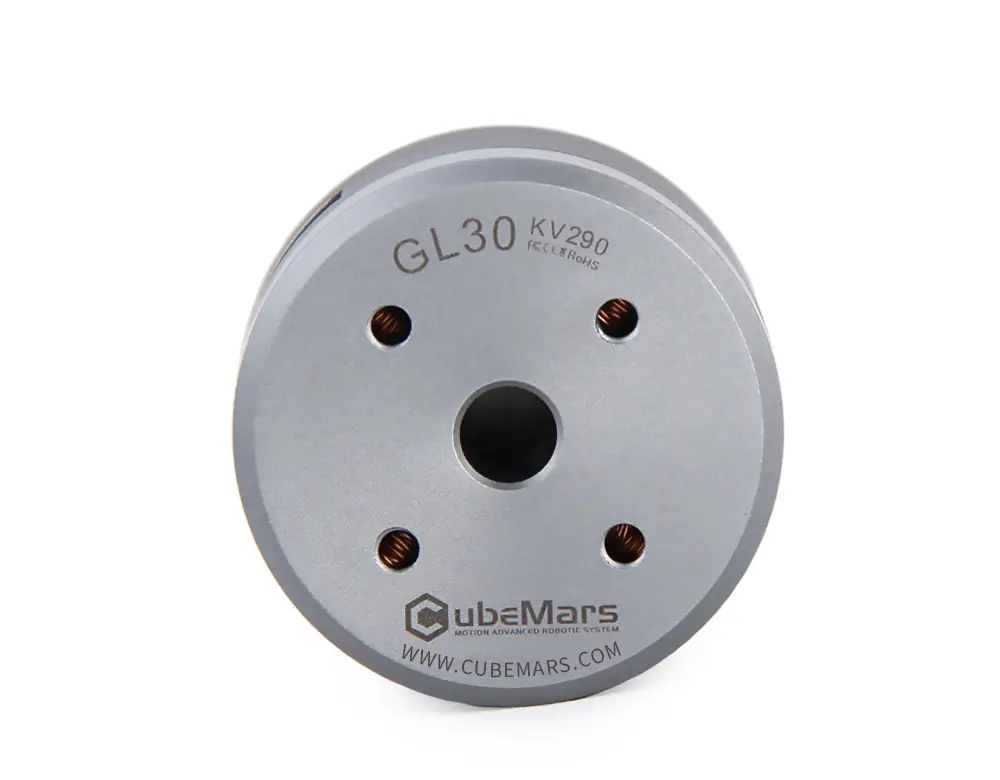
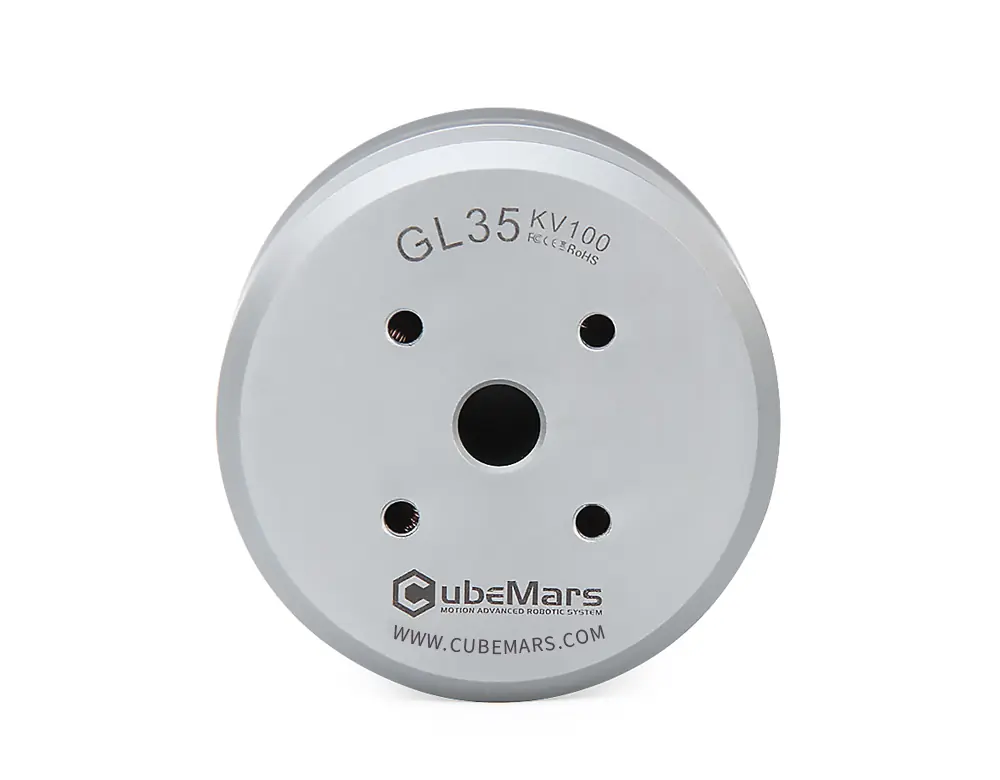
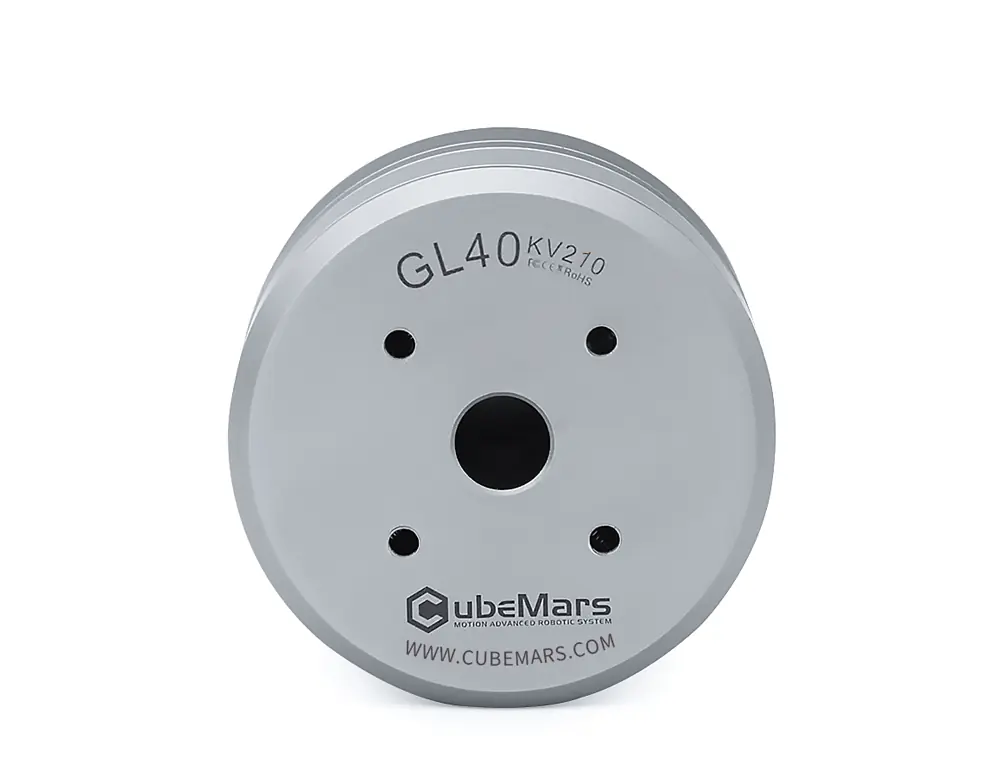
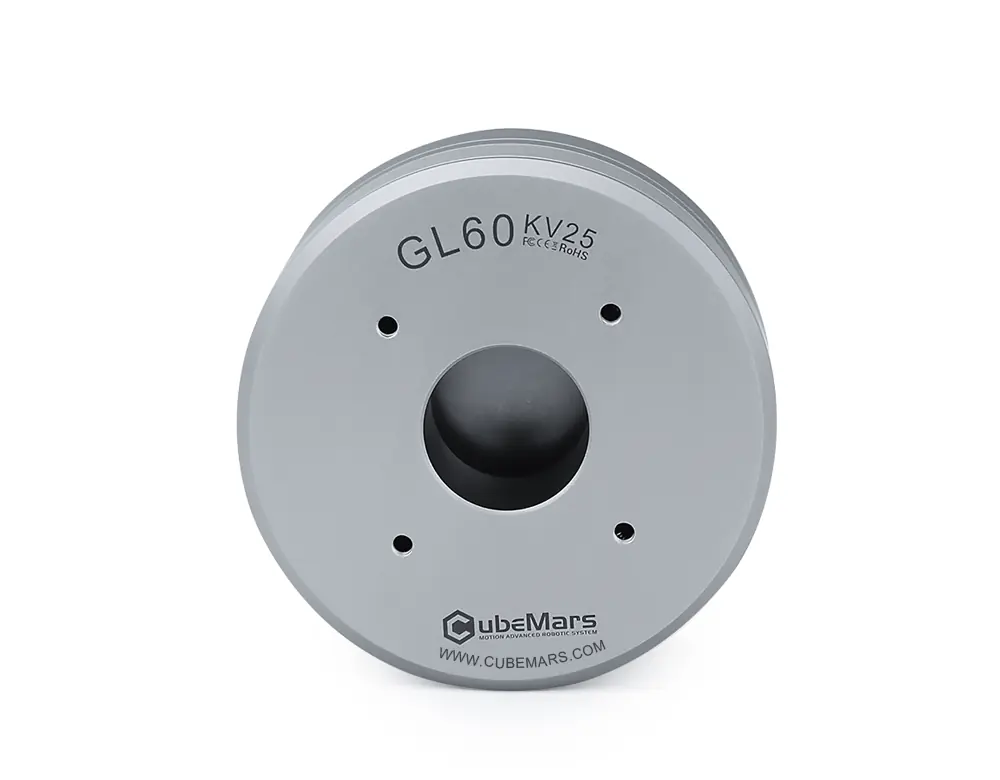
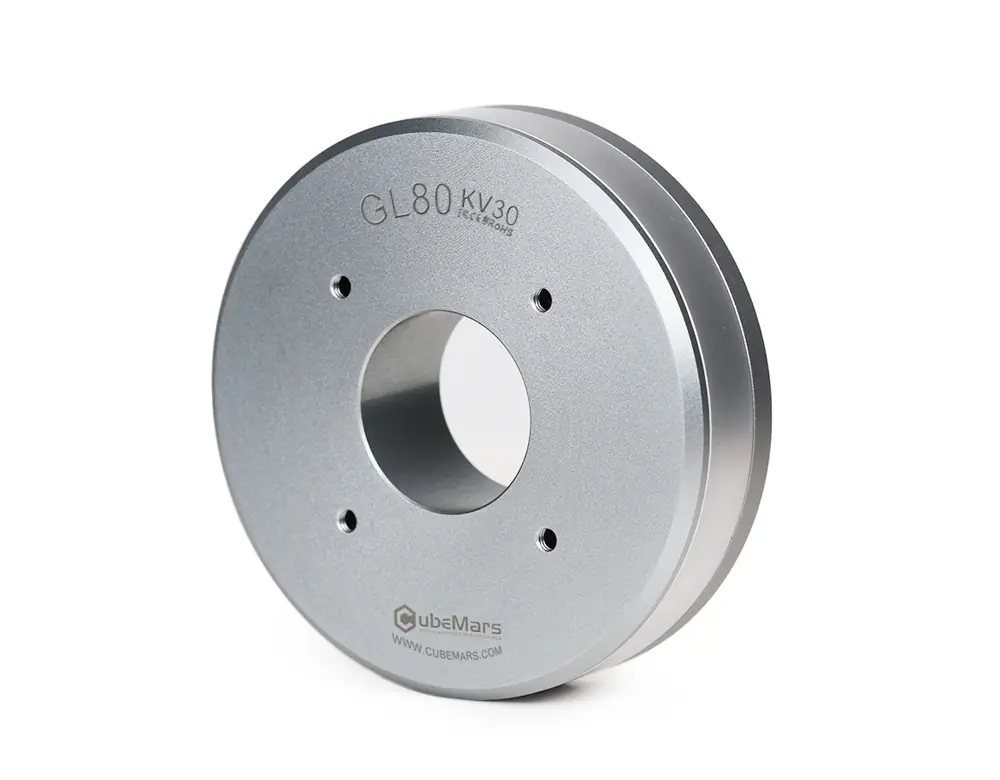
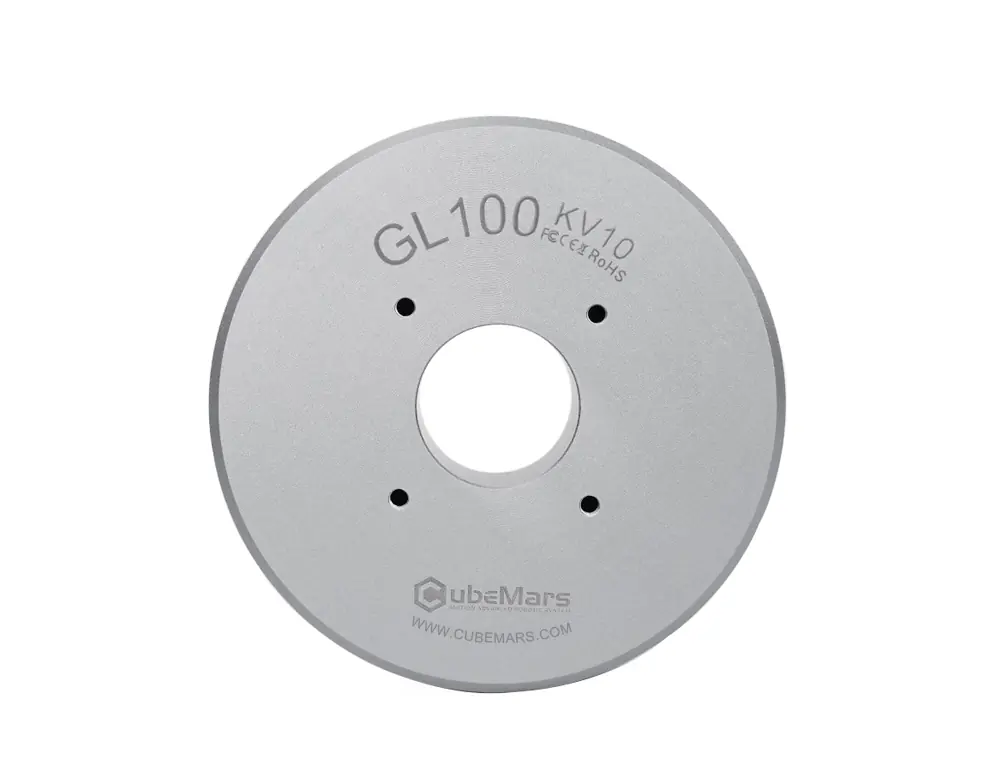
GL series gimbal motors deliver 0.08 Nm to 3 Nm of rated torque and 0.28 Nm to 7.7 Nm of peak torque. The series runs from the 41 g GL30 to the 698 g GL100. According to the manufacturer's tables, KV values range from 9.3 to 255 rpm/V, and the low KV models suit precise position control at low speed.
These motors are not chosen for high torque but for smooth, quiet rotation. If you need a joint that has to carry weight, look at the AK or RI series.
Choosing a motor
The most common questions when comparing products in this category.
What is the difference between rated and peak torque?
Rated torque is what the motor can deliver continuously without overheating, so size your system to it. Peak torque is the upper limit it can withstand for short periods. Look at peak torque for starts and impacts, and rated torque for continuous operation.
What does the KV value mean?
KV is the number of revolutions per volt. A low KV means more torque and less speed, and a high KV the opposite. With the same frame, the KV choice sets the speed and torque balance of your application.
How should I choose the gear ratio?
A gearbox increases torque and reduces speed. Applications that need high torque at low speed, like a legged robot joint, favor a high ratio (36:1, 48:1), and those that need fast response favor a low ratio (6:1, 9:1). If you are not sure, send us your target torque and speed.
Frameless motor or integrated actuator?
In integrated actuators (AK, AKH) the driver, encoder and gearbox are inside the motor, and they run over CAN straight out of the box. The AKE series combines motor and gearbox and uses an external driver. Frameless motors (RI, RO) are just a rotor and stator that you build into your own mechanics, and they need an external driver. Choose frameless for tight spaces or custom designs, and integrated for quick installation.
How do I use the filters?
In the filter panel you can narrow down by series, gear ratio, peak torque, KV, no-load speed, weight and price. On desktop the panel sits to the left of the list, and on mobile it opens with the Filter button. Products without a value for a filter drop out when you apply it, so we recommend starting broad and narrowing step by step.
Not sure which to choose?Ask the technical team